null

Solutions · Podcasting, streaming & creators

Professional podcasting starts with the right setup.

A room, two or three cameras, microphones people can actually hear, and a box in the middle that ties it together. Here’s how the pieces of a small studio fit — and what to buy first if you’re building one.

The problem

The camera was never the weak link

Almost everyone builds a studio in the same order. Camera first, because that is the part you can see. Then a microphone, because someone said the audio was a bit rough. Then a light, because the room turned out darker than it looked. Three good purchases, made one at a time, that were never designed to work together.

The result is a setup that technically works and practically doesn’t. Every show starts with forty minutes of plugging things in. The sound is fine until a guest arrives. Nothing is recorded except the finished mix, so one fluffed line costs you the whole take. And the moment you want a second camera, you find there is nowhere for it to go.

Audiences forgive a soft picture. They do not forgive sound they have to work at.

The fix isn’t a better camera. It is deciding what the chain looks like before you buy the next thing — where vision goes, where sound goes, where the two meet, and what comes back to you so you can tell it is all still working.

How it fits together

The signal chain stays the same, whatever the budget

Scroll the picture sideways to see the whole room →

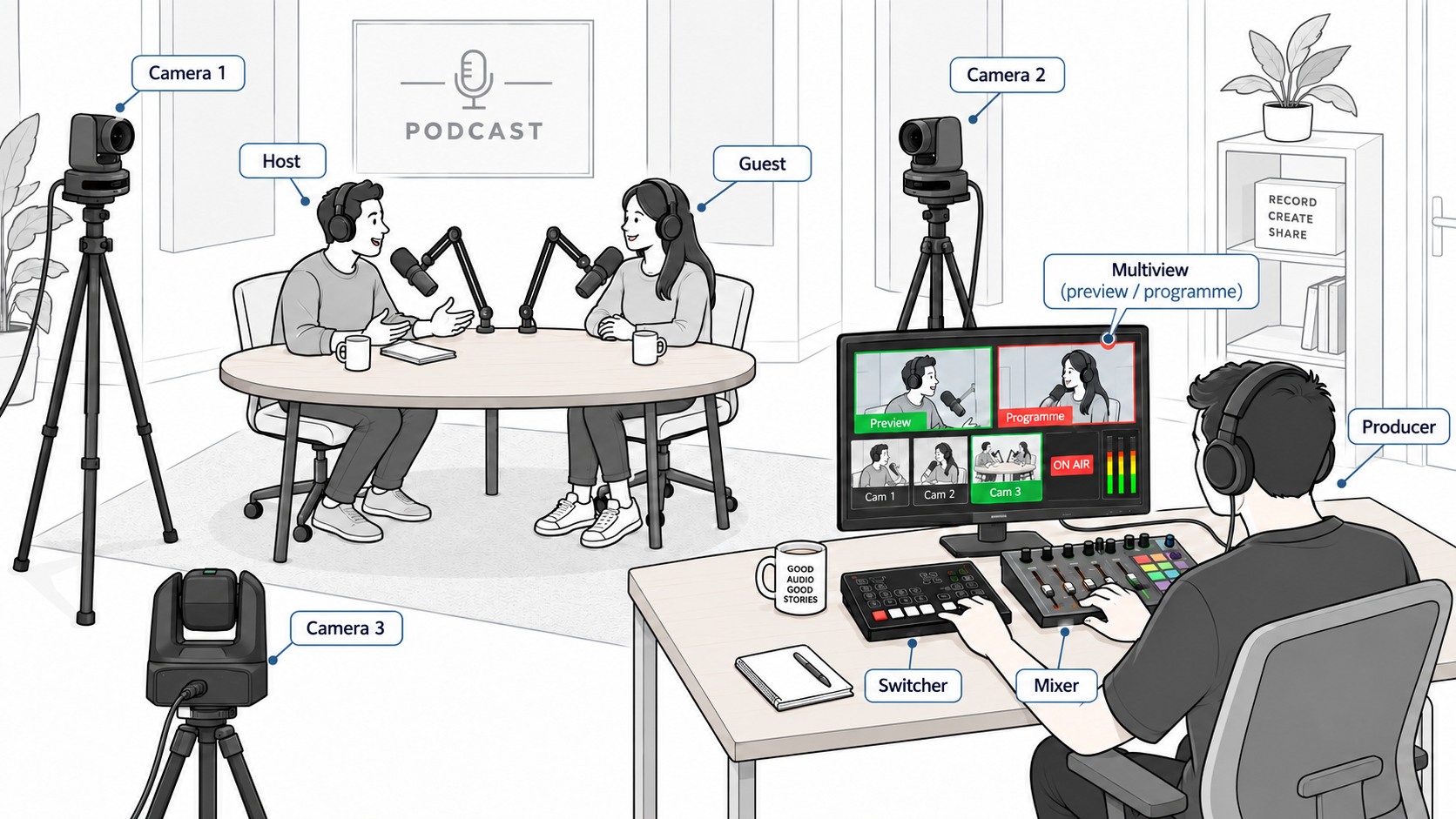
A podcast room: host and guest facing each other across a round table with
                              microphones on boom arms and headphones on, a camera on each of them and a third
                              camera covering the wide two-shot, and a producer at a desk to one side wearing
                              headphones, hands on a switcher and an audio mixer, watching a multiview screen
                              that shows preview, programme, all three cameras, an on-air indicator and audio
                              meters.

Scroll the diagram sideways to follow the whole chain →

A two-camera studio, wired up around the producer's seat Cameras and microphones feed a production position where one person sits: a mixer for the microphones, a switcher that cuts between the cameras and records each one separately, a multiview screen showing every camera plus preview and programme, and headphones for the programme audio. Three things leave that position: the live stream, the recordings, and an optional confidence screen for the presenter. Vision in Sound in Production — where you sit One person drives all four of these. Out Camera 1 Host single Camera 2 Guest single Camera 3 The wide two-shot Host mic Close and wired Guest mic One per seat Multiview screen Every camera, plus preview and programme, audio meters, rec status Headphones Programme audio The switcher Cuts between cameras, mixes in the sound, and records each separately The mixer One channel per seat — levels, mute, processing ALSO AT THIS SEAT The same computer usually runs the switcher's control software, and the call or the stream itself. vMix Live Straight into the computer over USB — vMix, Teams, YouTube Recorded The programme, plus every camera on its own file OPTIONAL Presenter confidence A screen the presenter can see — the programme, or a remote guest HDMI XLR Audio USB

Two things are worth noticing. The return path is not optional — if nobody is watching and listening to what actually leaves the building, a fault runs for the whole show. And recording every camera separately (“ISO”) is the difference between going live and having something worth editing afterwards, rather than choosing between them.

What changes

Three things you notice on the first proper show

You start on time

Everything stays plugged in and powered. The show begins when you press a button, not forty minutes after everyone arrives. That alone is why people stop rebuilding their setup every week.

You stop editing so much

Cutting between cameras while you record means you leave the session with a near‑finished programme. The separate camera files are there when you need to fix or re‑cut something.

Guests stop being a gamble

A guest microphone that is always there, always at the right level, and monitored on headphones removes the single most common reason an episode turns out unusable.

The eight essentials

What actually goes in the room

01 · Vision

Cameras

For a fixed studio position, a PTZ camera is usually the better fit than a mirrorless body. It stays mounted and mains‑powered, and one person can move all of them from the desk without walking on set. Keep a cinema or mirrorless body for the shots where lens choice and depth of field actually matter.

02 · The room

Lighting

Light is what separates a studio from a webcam, and it is the cheapest upgrade on this page. One soft key light in front of the presenter does most of the work. Add a second for the guest chair and a small colour source for the background, and the room reads as deliberate rather than accidental.

03 · Sound in

Microphones

Close and wired beats clever and distant. A directional microphone on a boom arm, about a fist from the mouth, picks up far less of the room — it is the closeness and the pickup pattern doing that work, which is why untreated walls stop mattering so much. Give every seat its own; shared microphones are why guests sound like they are down a hallway.

04 · Sound back

Headphones

Not a luxury — the only way anyone knows the sound is right while it is happening. Closed‑back, so the microphone doesn’t pick up the mix. One pair per person once you have guests, and they matter most when there is a remote guest, playback or return audio in the show. ⚠ This is monitoring, not talkback: a separate comms circuit is where we stop short of full broadcast intercom.

05 · The middle

Video switching

The piece most people are missing. It takes every camera plus your screen share, lets you cut between them live, mixes the audio in, and hands out one finished programme. The step up worth paying for is ISO — the same box also records each camera to its own file.

06 · To the computer

Capture

If the show goes out through software — vMix, Teams, Zoom, a webinar platform — something has to hand your finished programme to the computer as if it were a webcam. It is why the picture in the meeting suddenly looks like television.

Usually the switcher already does this. The ATEM Mini range appears as a webcam over USB on its own, so most rooms need no extra box. A capture device is for the cases it can’t cover — a camera going straight to the computer, or a source with no USB of its own.

07 · Eyes on it

Monitoring

Two different jobs that get muddled. You need a multiview — every camera at once, plus what is going out and what is queued next. The presenter needs a confidence screen, which shows only the programme or a remote guest. Keep the two jobs apart: the operator needs information, the presenter needs a clean view.

A recorder‑monitor doubles as a safety copy, so if the computer falls over mid‑show the episode still exists.

08 · Holding it up

Mounting & cabling

The part every kit list forgets and every build needs. A microphone on a boom arm can be pulled close without knocking the desk — which is what actually makes it sound good. And the cable between the camera and the switcher is the one component that will absolutely stop the show if it is the cheap one.

Beyond the room

Bringing in someone who isn’t in the room

A remote guest might join from Teams, Zoom, a browser‑based interview platform, or a dedicated contribution link. The problem is the same either way: getting their picture and sound into the show cleanly, and getting them back what they need to hear.

The trick is to stop treating the guest as something bolted on beside the production, and bring them in as another source — one the producer can monitor, cut to and record, while the guest joins from whatever setup is realistic at their end.

1
The guest joins remotely From a webcam, a camera, a video-call platform, or a dedicated contribution system at their end.
2
Their picture and sound arrive as a source The call or incoming feed becomes another input the switcher or production software can use.
3
You treat them like another guest Monitor them, cut to them and record them alongside the people sitting in the room.
4
They get return audio So the guest hears the host and the other participants, without echo or feedback getting into the show.

When a call isn’t good enough: if a guest appears often, or the picture has to match the cameras in the room, they can send a dedicated feed instead of joining a call. ATEM Streaming Bridge pairs directly with an ATEM Mini Pro at the far end. For anything network‑based, Kiloview N40 and U40 move pictures over a network as NDI®.

Three honest starting points

Start with your room, not the spec sheet

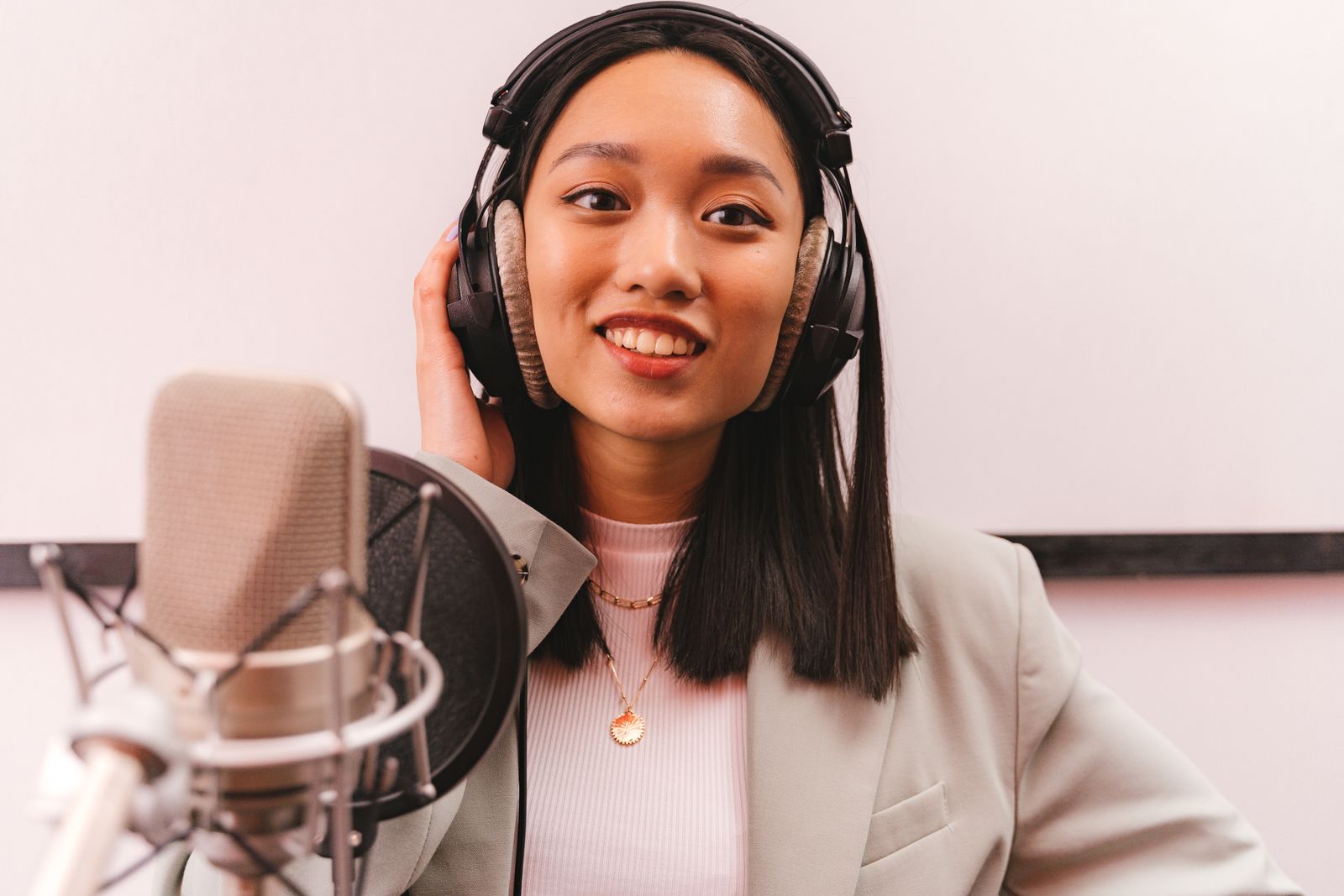
A presenter in headphones speaking straight to camera into a studio microphone.

1 presenter · 1 camera

The desk

One seat, one camera, one light. Everything lives on the desk and stays plugged in. The goal here is simply to stop rebuilding it every week.

  • PTZOptics Move SE 12x · fixed
  • Aputure Nova P300c one soft key
  • Rode PodMic one, close
  • RODECaster Pro II levels & mute
  • Sennheiser HD 280 Pro one pair
  • ATEM Mini Pro switch & stream
  • Your laptop screen nothing extra
  • Browser window no hardware
  • Rode PSA1 boom arm one
Compare these
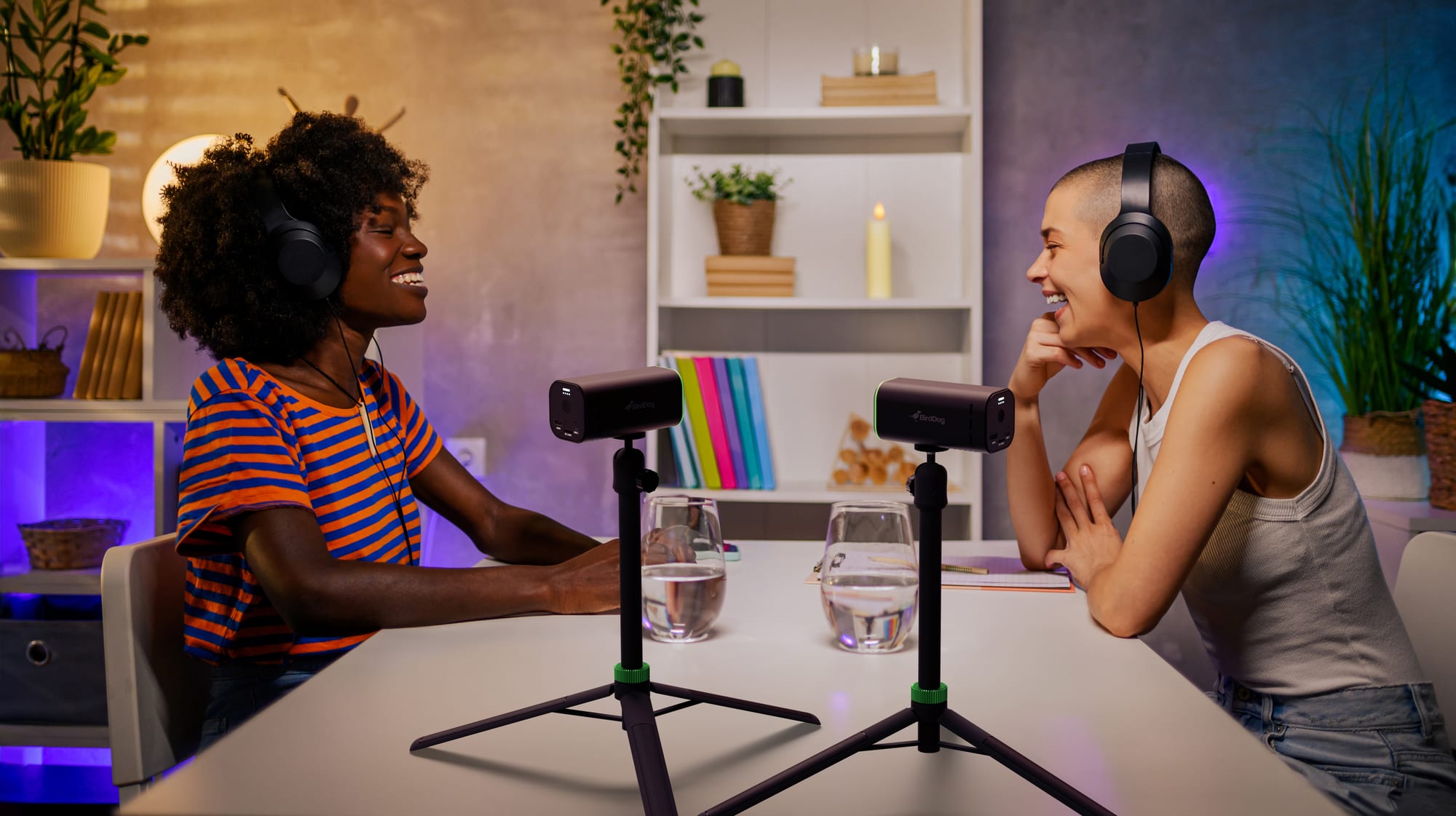
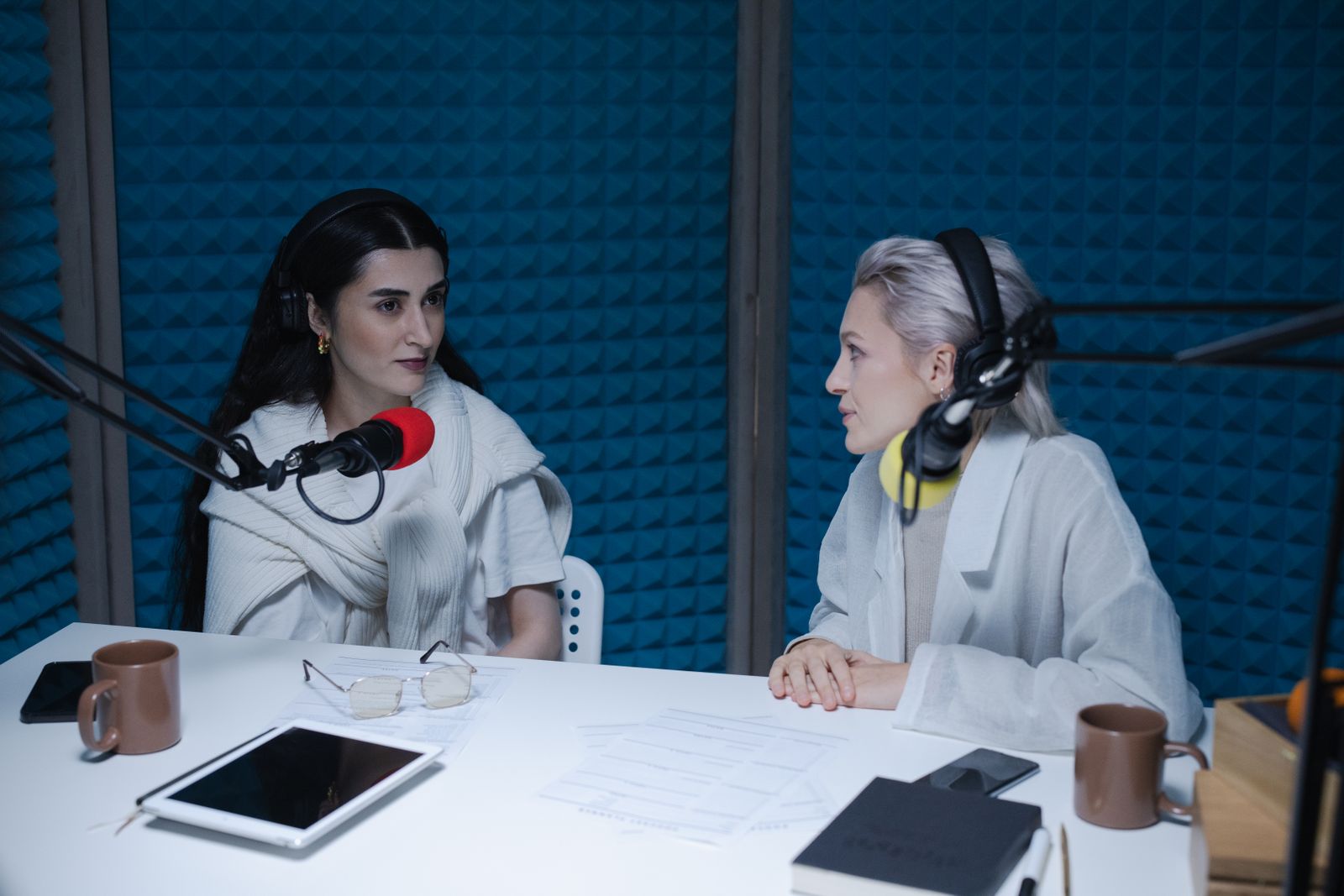
Two people seated across a table, each with their own microphone and headphones, in a treated room.

2–4 seats · 2–3 cameras

The room

Guests in the room, so every seat needs its own microphone and its own headphones, and you need a second angle to cut to. This is where ISO recording starts paying for itself every single week.

  • PTZOptics Move 4K 20x · ×2–3
  • Nova P300c + Quick Dome key + fill
  • Rode PodMic one per seat
  • RODECaster Pro II one per seat
  • Sennheiser HD 280 Pro one per seat
  • ATEM Mini Pro ISO records each camera
  • Video Assist 5″ safety copy
  • Browser window no hardware
  • Rode PSA1 boom arm one per seat
Compare these
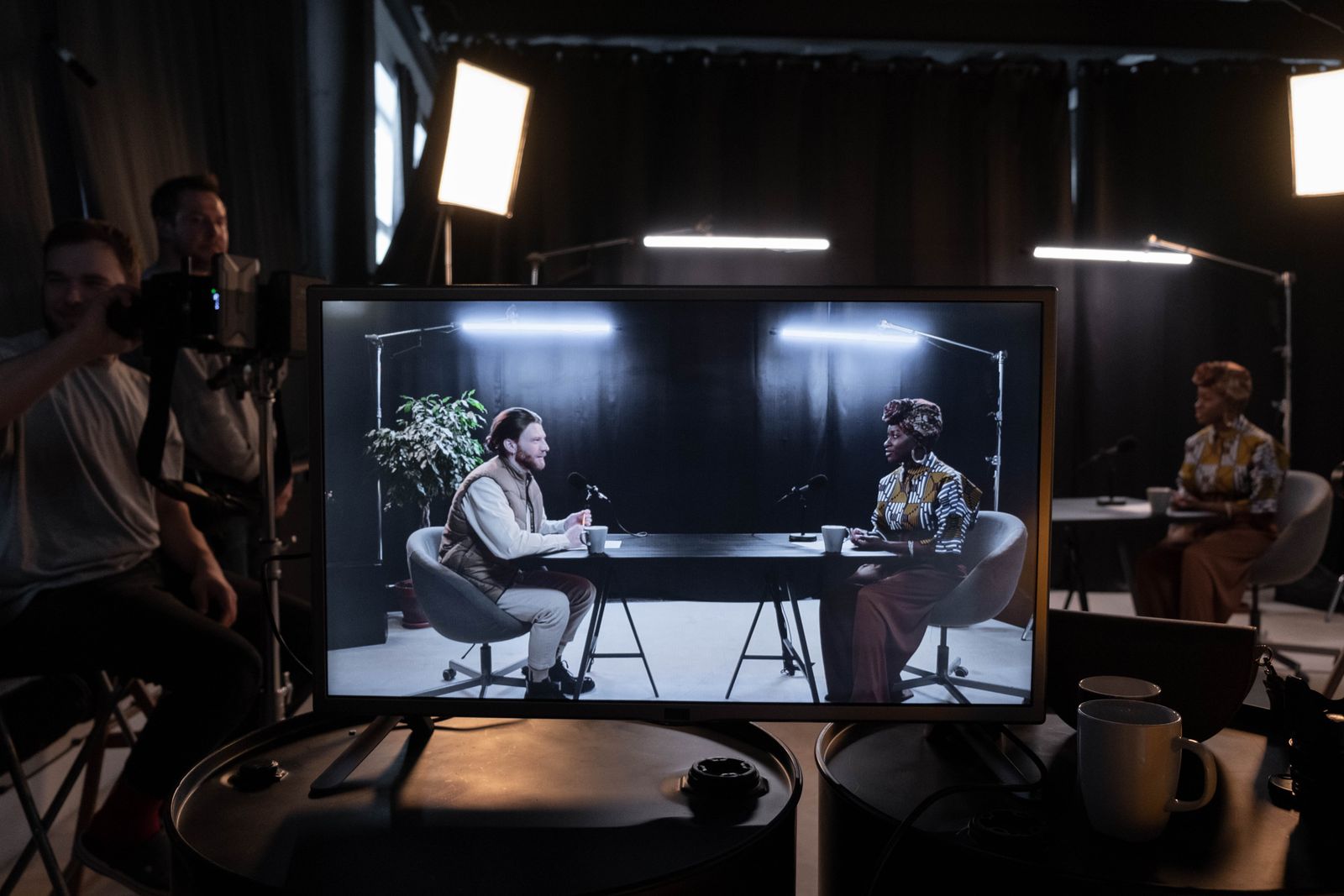
A studio set with lighting and crew, and a monitor showing the programme being recorded.

Multi-camera · remote guests

The small studio

A permanent production space with more inputs than you need today, monitoring for the operator and the presenter, remote guests handled properly, and enough headroom to grow without rebuilding the room.

  • Canon CR-N300 NDI PTZ or Sony FX30
  • Aputure STORM 400x key + fill + back
  • Rode PodMic one per seat
  • RODECaster Pro II one per seat
  • Sennheiser HD 280 Pro one per seat
  • ATEM Mini Extreme ISO G2 8 inputs
  • Video Assist 7″ 12G + multiview
  • ATEM Streaming Bridge remote guests
  • Rode PSA1 boom arm one per seat
Talk it through

Plain English

The words on the spec sheet, decoded

PTZ
Pan, tilt, zoom. A camera you aim from the desk instead of standing behind. Ideal for fixed studio positions because one person can run three of them.
Switcher
The box in the middle. Takes every camera, lets you cut between them live, mixes in the audio, and outputs one finished programme.
ISO recording
The switcher records each camera to its own file as well as the programme. Lets you re-cut afterwards without giving up going live.
Multiview
The operator's screen: every camera at once, plus what is currently going out and what is queued next, so you can see a shot before you cut to it.
Confidence monitor
The presenter's screen. Shows only the programme, or a remote guest — deliberately not the multiview, which would show them the shot that is coming next.
HDMI vs SDI
Two ways to carry a picture down a cable. HDMI is what most consumer and prosumer gear uses and is happiest on shorter runs; SDI locks into the socket and is the safer choice for long runs and anything permanently installed.
Capture device
Presents your finished programme to a computer as though it were a webcam, so Teams, Zoom or OBS can use it.
NDI®
A way of sending pictures over an ordinary network cable instead of a video cable. Useful once cameras are spread around a building.
Key light
The main light on the presenter’s face. Soften it and put it slightly off to one side — that one move does most of the work.
Phantom power
48 V sent up the microphone cable to power condenser microphones. Dynamic microphones don’t need it, which is one reason they are simpler.
Return audio
Sending the programme sound back to a remote guest so they can hear the host. Without it they talk over everyone, every time.

Side by side

The three setups, compared

Area The desk The room The small studio
Seats 12–44+
Cameras 12–34–8
Camera type PTZ, fixedPTZ ×2–3PTZ + cinema body
Lighting One soft keyKey + guest fillKey, fill, background
Microphones 1One per seatOne per seat + wireless
Headphones 1One per seatOne per seat + return feed
Switching ATEM Mini ProATEM Mini Pro ISOATEM Mini Extreme ISO G2
ISO recording —YesYes
Into the computer YesYesYes
Your monitoring Laptop screenVideo Assist 5″Video Assist 7″ + multiview
Presenter confidence —OptionalYes
Remote guests Browser onlyBrowser onlyStreaming Bridge
Mic mounting Boom armBoom arm per seatBoom arm per seat
Cabling HDMIHDMISDI or NDI®
Rebuilt each week? Stays on the deskStays riggedPermanent room

Most people land between two columns rather than squarely in one, and that is normal — the usual answer is the smaller switcher with the bigger microphone budget. Tell us which two you are between and we will tell you which half actually matters.

Tell us about the room.

How many people sit down, whether anyone joins remotely, and whether the setup has to pack away afterwards. From there we can work out what the room actually needs and build the system around it — nothing here is a package you have to take whole. The fastest way to the right kit is a short conversation.