null

Solutions · Crew communications

A production runs on what people can hear.

Wireless intercom rarely gets the attention a camera or a light does — until the crew has to work without it. Here’s what it actually does, when a crew outgrows radios, and how to pick a system that fits the way you work.

The problem

Nine people, one set, and a radio each

Think about the last day that ran long. Odds are it wasn’t the camera. It was the gaffer waiting to be told the shot had changed, the first AD shouting a reset across a car park, and two people keying up at once so neither message landed.

A two‑way radio is a one‑lane bridge. One person talks, everybody else listens, and you have to hold a button down to take your turn. That works well when the traffic is occasional and one voice at a time is all you need. It gets in the way on a crew that talks the way people actually talk — over the top of each other, in half sentences, while their hands are busy.

The moment a crew stops having to take turns, the day gets shorter.

That is the whole idea behind a wireless intercom. Everyone can talk and listen at the same time, the way a phone call does. No button to hold down, and no waiting for the channel to clear.

The difference

“Full duplex” just means it works like a phone call

Blocked — must wait

Two-way radio

Half duplex

One voice at a time, one direction at a time, and a button to press. If two people transmit at once, part or all of a message can be lost.

Both directions at once

Wireless intercom

Full duplex

Everyone talks and listens at once, hands free. You can cut in mid‑sentence, say “hold”, and be heard — which is the entire point when a crane is moving.

What changes on the day

Three things you notice in the first hour

Hands stay on the gear

No push‑to‑talk button means the camera operator, the rigger up the ladder and the grip pushing a dolly can all talk without letting go of anything. When both hands are already committed, that matters more than the convenience does.

Corrections happen without stopping

A quiet word to the gaffer fixes a light without cutting; a cue changes without holding the room. Notes that used to cost a reset now cost a sentence.

The floor gets quieter

Nobody shouts across a room they are trying to record in. On a live stage or in a congregation, that difference is the whole reason the system is there.

Where they earn their keep

Four jobs, four different demands

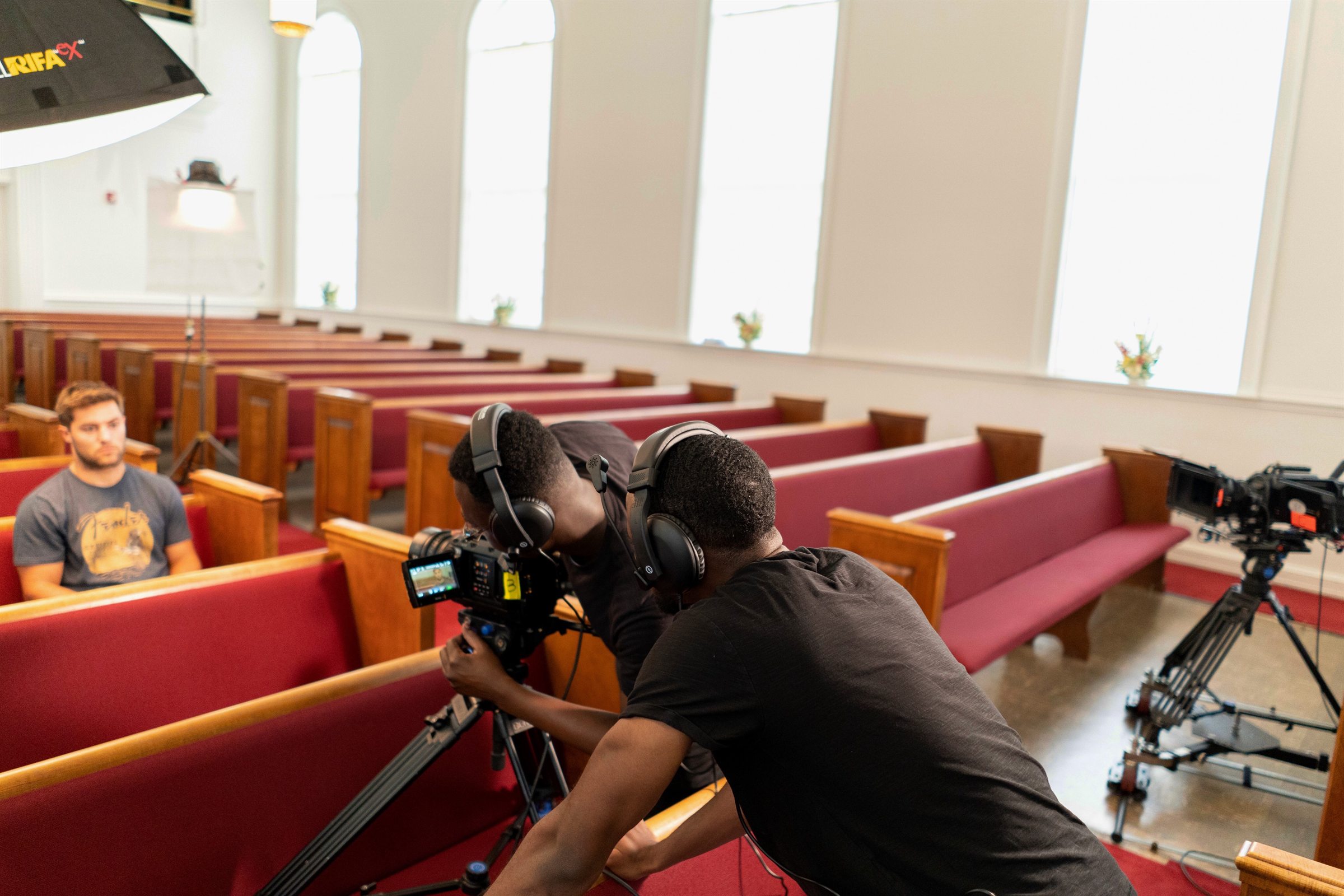
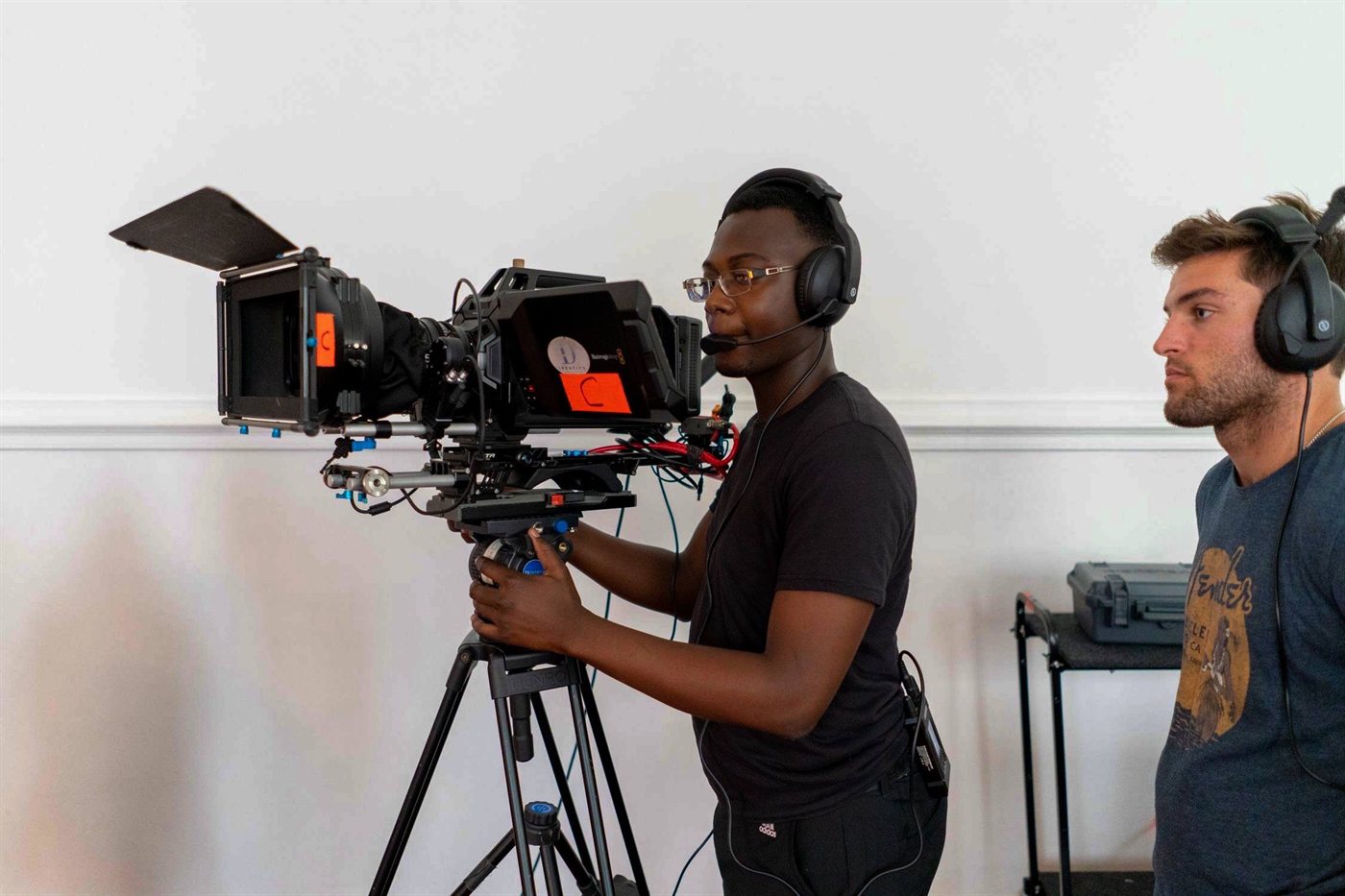
A camera operator on a cine rig and a second crew member beside him, both wearing intercom headsets.

Commercial & drama production

Director, 1st AD, focus puller, gaffer, sound. Everyone stays within sight of the set, but the conversation is constant and the floor needs to stay quiet enough to record on.

Needs: full duplex, low latency, comfortable headsets for a twelve‑hour day. Groups are optional, and a smaller crew working one area may not need a hub at all.

A camera operator in a Hollyland intercom headset shooting a live band from the
                                  floor, stage lights and audience beyond.

Live events & stage

Stage manager calling cues to lighting, sound, flies and front of house. Cues are time‑critical, and half the crew is somewhere the stage manager cannot see.

Needs: talk groups so a lighting call does not fill every ear, plus a wired tie‑line into the venue’s existing comms.

A motocross rider cornering in front of a packed grandstand at a live race meeting.

Broadcast & sport

Camera positions spread around a ground, a director in a truck, and operators who move between positions during play.

Needs: long range and roaming — extra antennas so a beltpack hands over between coverage zones without dropping.

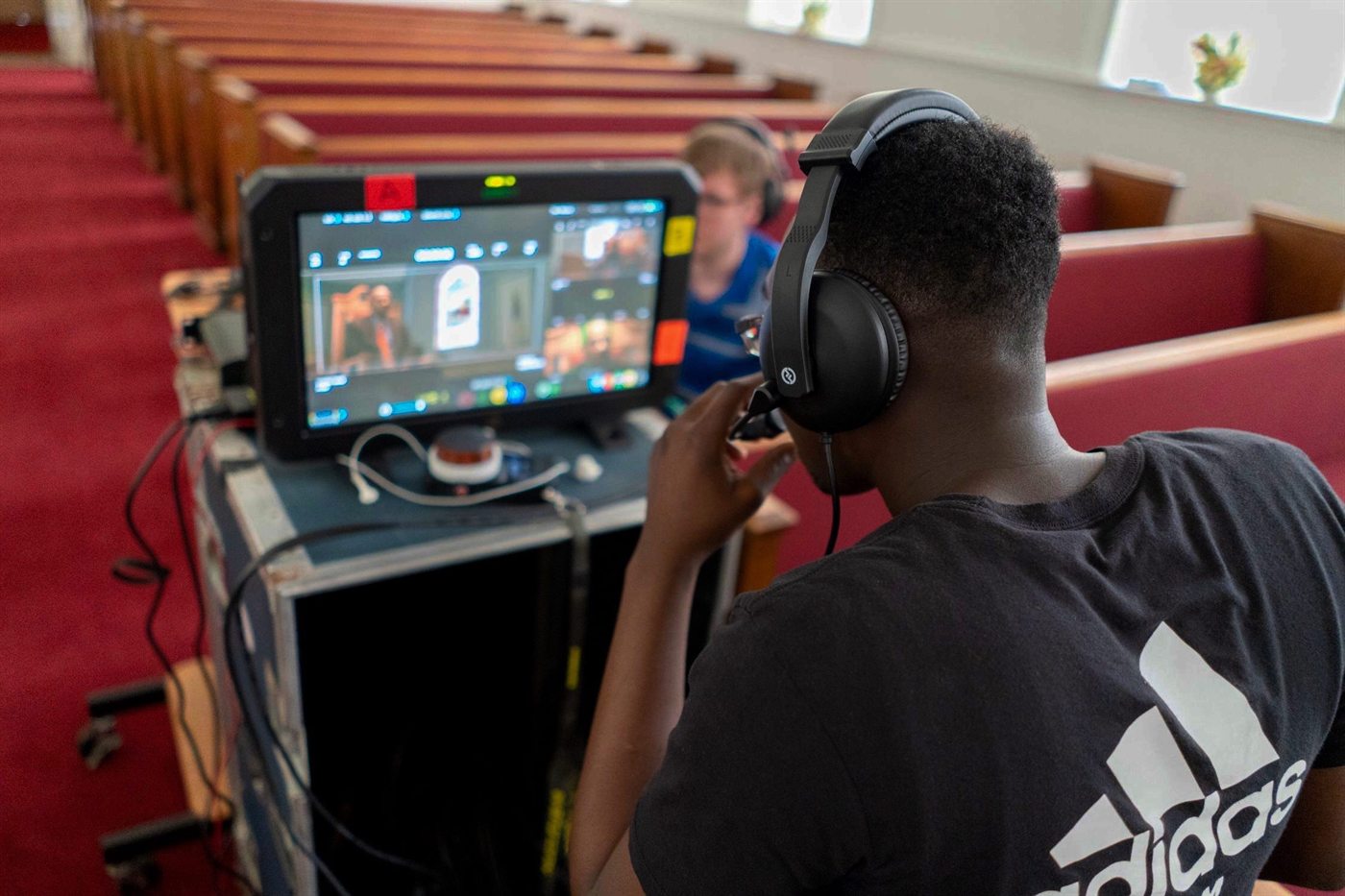
A volunteer operator in a headset working a multi-camera switcher at the back of a church auditorium.

Houses of worship, venues & AV

A volunteer team running cameras, vision mixing and sound each week — often a different set of people every service.

Needs: something that switches on and pairs itself. Charge case in, headsets out, and controls a volunteer can pick up in a minute.

The step up · Roaming systems

Roaming: for when the crew won’t stay in one room

Every wireless system has an edge. Walk far enough — or put a concrete wall and a stairwell in the way — and the link drops. On a system with one antenna, that edge is simply where your coverage ends.

Roaming moves the edge. You place antennas around the site, and the system hands each beltpack from one to the next as its wearer walks, the same way a phone moves between cell towers. It happens by itself — nothing to reconnect, nothing to re‑pair.

That is the difference between a system built for a set and one built for a building. A stage manager can call a cue walking from the bio box to the dock to front of house and stay on comms the whole way.

Antenna 1 Antenna 2 HANDOVER Crew member walks
The beltpack stays on whichever antenna is strongest. In the overlap the system hands it across automatically — no re‑pairing, nothing for the wearer to do.
500 m
Line of sight, spread across the four omnidirectional fibreglass antennas.
20
Headsets on a single hub — enough for most venue crews without cascading anything.
40
Headsets with two hubs cascaded over IP or 4-wire, for a bigger site or a bigger show.

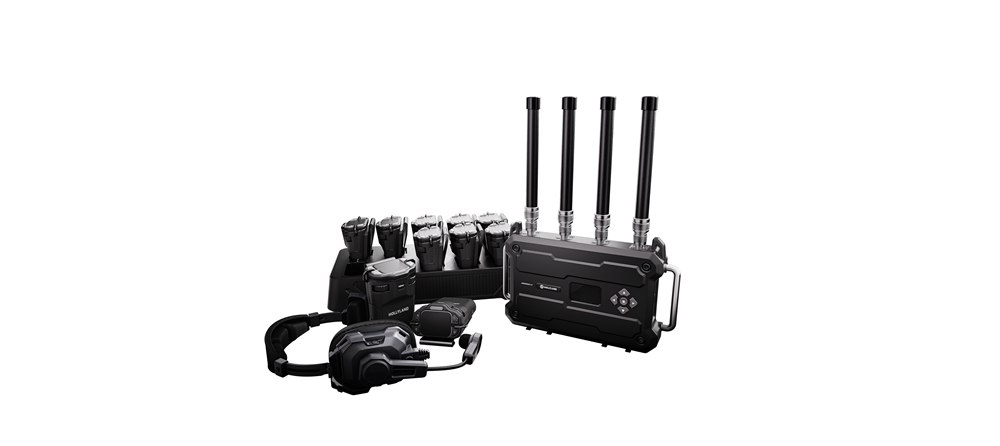
The Hollyland Solidcom range

Start with your crew, not the spec sheet

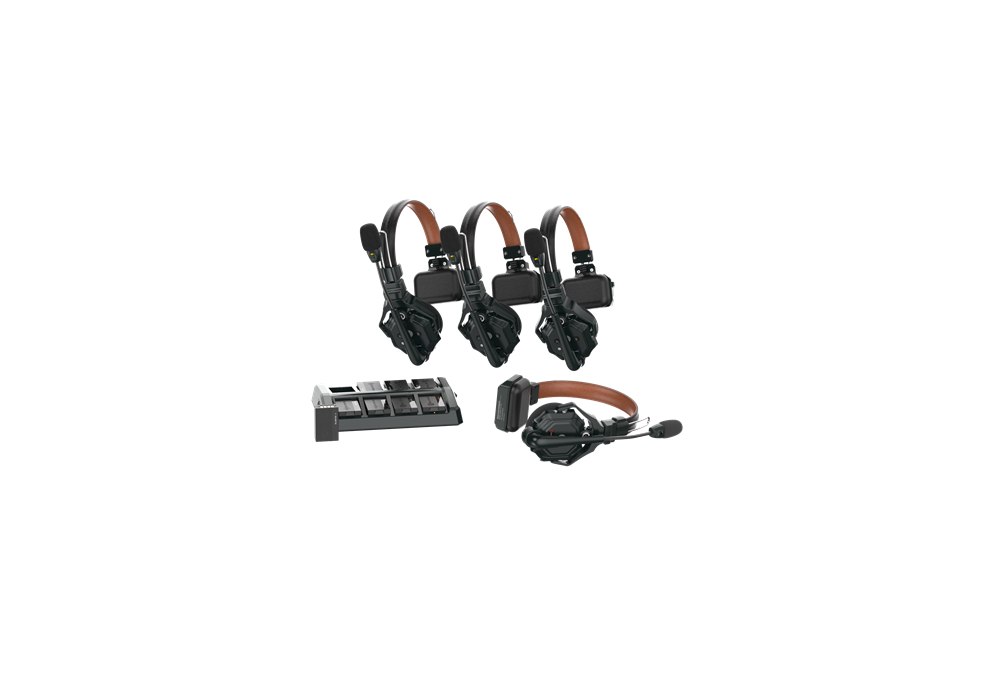
Four Solidcom C1 Pro wireless headsets with their charging tray.

2–9 crew

Open the case and go

Hub‑free. The headsets pair with each other, so there is nothing to rig and nothing to power. Best where the crew works across one area.

  • Solidcom SE 2–5 · 350 m
  • Solidcom C1 Pro 2–8 · 350 m
  • Solidcom SE Pro 2–9 · 400 m
Compare these
A Solidcom H1 base station with its antennas, shown with two beltpacks.

9–20 crew

Groups, and a way into wired comms

Add a hub and you get talk groups, room for a bigger crew, and XLR / RJ45 sockets to tie into the comms already installed in a theatre or truck.

  • Solidcom C1 Pro Hub 9 · 2 groups
  • Solidcom M1 Pro 4–8 · 3 groups
  • Solidcom H1 2–20 · 12 groups
Compare these
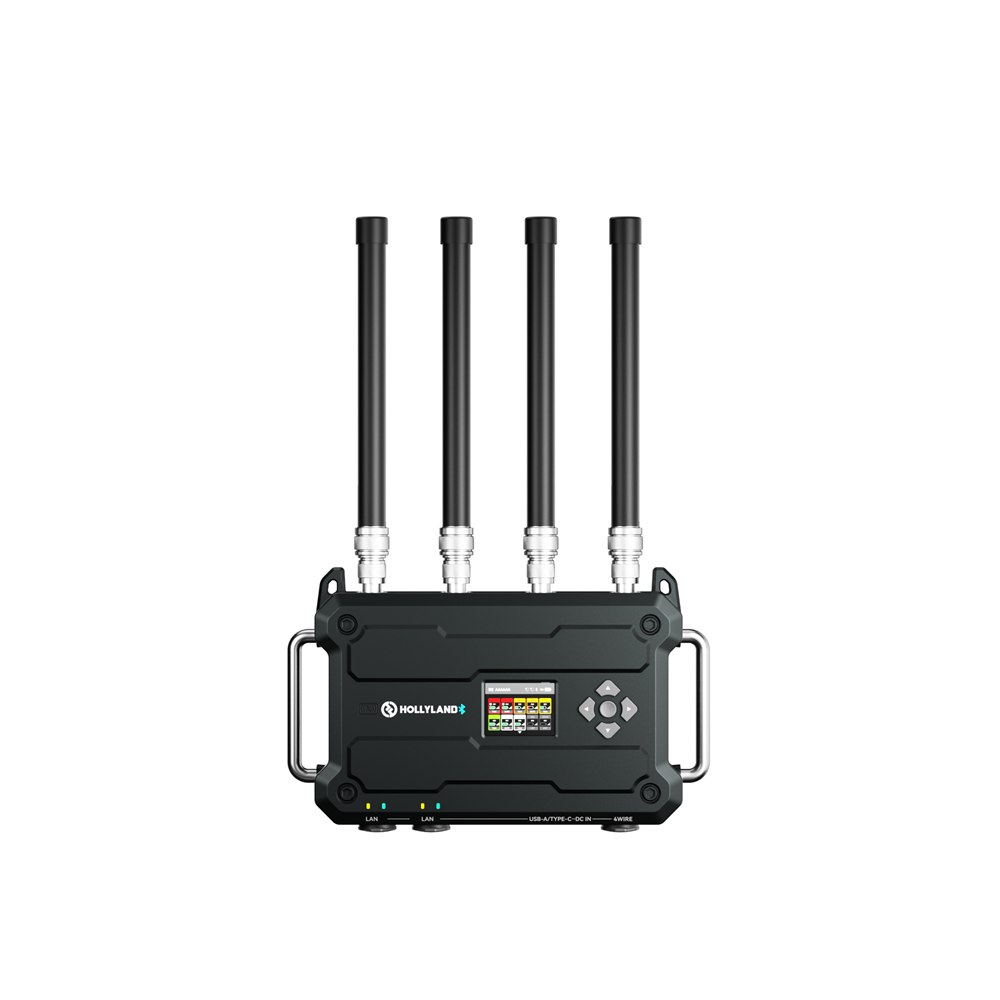
The Solidcom C1 Pro Roaming Hub with its four omnidirectional antennas fitted.

Crew on the move

Cover the whole venue

Roaming systems place antennas around the site and hand each beltpack between them, so people keep talking as they walk the building.

  • C1 Pro Roaming Hub 20 · 500 m
  • Solidcom H1 2–20 · 500 m
Talk it through

Plain English

The words on the spec sheet, decoded

Beltpack
The transmitter clipped to your belt, with a headset plugged into it. Systems without one build the radio into the headset itself.
Hub-free
The headsets talk directly to each other. Nothing to rig, nothing to power, nothing to lose — but usually a shorter range and no groups.
Hub / base station
A box that anchors the network. It extends range, adds talk groups, and gives you sockets to connect to other systems.
Talk group
A sub-channel. Lighting can have its own conversation without the whole crew hearing it, while the caller still reaches everyone.
Latency
The delay between someone speaking and you hearing it. Low enough and a conversation feels normal; high enough and people start talking over each other again.
4-wire / XLR tie-line
The standard way to bolt a wireless system onto the wired comms already installed in a theatre, studio or OB truck.
DECT 1.9 GHz
A licence-free band set aside for voice devices. It sits clear of Wi-Fi and of the UHF block radio mics work in, which is why it is a common choice for crew comms.
2.4 GHz
The same band as Wi-Fi and Bluetooth. Usually cheaper, and fine in a quiet room — but it shares space with every phone and access point in the building, so a busy venue takes more planning.
ENC
Environmental noise cancellation. The mic reduces background noise — generator hum, crowd, wind — before your voice goes out.
Cascade
Linking two or more hubs together to cover a bigger crew or a bigger site than one system handles alone.

Side by side

The Solidcom range, compared

Model Crew Range Hub Talk groups Roaming Noise cancelling Wired tie-in Band
Solidcom SE 2–5350 m Hub-free—— Yes—2.4 GHz
Solidcom SE Pro 2–9400 m Hub-free—— Yes—1.9 GHz DECT
Solidcom C1 2–8350 m Hub-free—— ——1.9 GHz DECT
Solidcom C1 Pro 2–8350 m Hub-free—— Yes—1.9 GHz DECT
Solidcom C1 Pro Hub 9350 m Hub2— YesXLR + RJ451.9 GHz DECT
Solidcom M1 Pro 4–8400 m Base station3— YesXLR + RJ451.9 GHz DECT
Solidcom C1 Pro Roaming Hub 20500 m Hub + antennas6Yes YesRJ451.9 GHz DECT
Solidcom H1 2–20500 m Base station12Yes YesXLR + RJ451.9 GHz DECT

Range figures are Hollyland’s published line‑of‑sight maximums — expect less through walls and structure. Every model listed is full duplex. Hub and base‑station systems can be cascaded over 4‑wire or IP to cover a larger crew than one unit handles.

Not sure which system fits your crew?

Tell us how many people need comms, how far they move, whether they need to split into separate groups, and whether there is already a wired system in the building. From there we can work out which setup actually fits the job — nothing here is a package you have to take whole. The fastest way to the right kit is a short conversation.